 Kajabi
VS Webflow
WebflowKajabi vs Webflow
A side-by-side comparison to help you choose the right platform for your business.

Kajabi
Platform for selling online courses and memberships
$149/month
4.5/ 5
Course creators, coaches, and membership site owners who want an all-in-one platform
Visit Website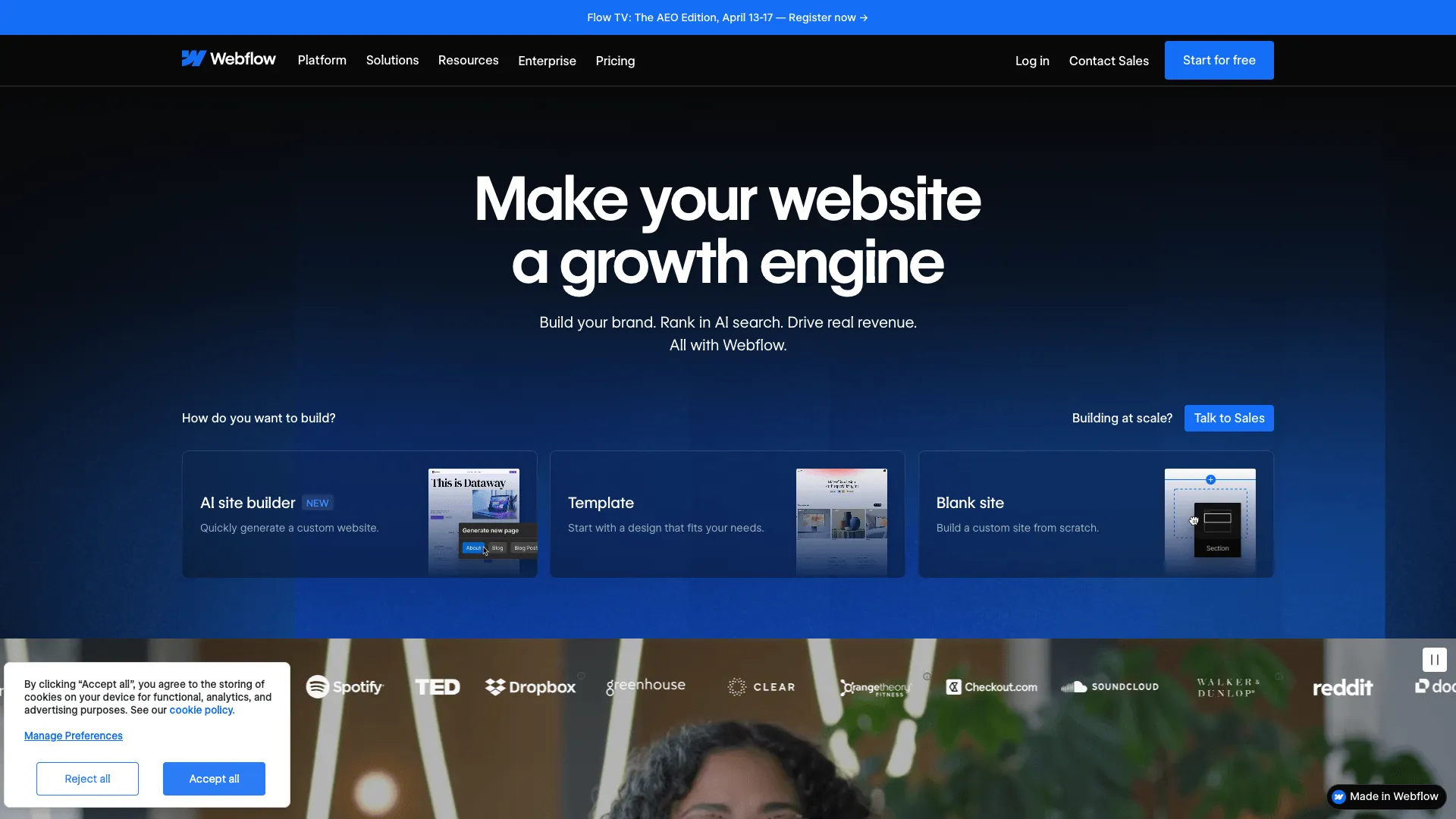
Webflow
Visual website builder for designers and developers
Free
4.5/ 5
Designers and agencies wanting full creative control over custom websites without writing code
Visit WebsiteFeature Comparison
| Feature | Kajabi | Webflow |
|---|---|---|
| Funnel Builder | Yes | No |
| Landing Pages | Yes | Yes |
| Email Marketing | Yes | No |
| A/B Testing | No | No |
| Ecommerce | Yes | Ecommerce plan ($29+/mo) |
| Membership Sites | Yes | Via Memberstack integration |
| Affiliate Management | Yes | No |
| Webinar Hosting | No | No |
| Built-in CRM | Yes | No |
| Blog / CMS | Yes | Yes |
| Custom Domain | Yes | Yes |
| Drag & Drop Editor | Yes | Yes |
Pricing
| Plan | Kajabi | Webflow |
|---|---|---|
| Free Plan | No | Yes |
| Free Trial | 14 days | No |
| Basic | $149/mo | Free |
| Growth | $199/mo | $18/mo |
| Pro | $399/mo | $29/mo |
| Business | - | $49/mo |
Pros & Cons
Kajabi
Pros
- ✓Best platform for selling online courses and memberships
- ✓Beautiful, professional templates
- ✓Built-in email marketing and automation
- ✓No transaction fees on any plan
- ✓Mobile app for students to access content
Cons
- ✗Expensive - starts at $149/month
- ✗Funnel builder is basic compared to ClickFunnels
- ✗No built-in A/B testing
- ✗Limited to digital products - not ideal for physical goods
Webflow
Pros
- ✓Unmatched design flexibility with visual CSS control
- ✓Generates clean, production-ready code
- ✓Built-in CMS for blogs and dynamic content
- ✓Powerful interactions and animations without code
- ✓Free plan for learning and prototyping
Cons
- ✗Steep learning curve compared to traditional website builders
- ✗No built-in email marketing, funnels, or CRM
- ✗Ecommerce features require a separate, more expensive plan
- ✗Not designed for sales funnels or marketing automation
Frequently Asked Questions
What is the difference between Kajabi and Webflow?
Kajabi is platform for selling online courses and memberships, and is course creators, coaches, and membership site owners who want an all-in-one platform. Webflow is visual website builder for designers and developers, and is designers and agencies wanting full creative control over custom websites without writing code.
Which is cheaper, Kajabi or Webflow?
Kajabi starts at $149/month, while Webflow starts at free to start. Webflow is the more affordable option. Be sure to compare what each plan includes, as the cheapest plan may not cover all the features you need.
Does Webflow have funnel builder?
No, Webflow does not include built-in funnel builder. If funnel builder is important to you, Kajabi offers this feature natively. You may be able to add it to Webflow through a third-party integration.
Which platform is better for beginners, Kajabi or Webflow?
For beginners, Webflow is generally the easier starting point because it offers a free plan, so you can explore the platform without any upfront cost. Kajabi is course creators, coaches, and membership site owners who want an all-in-one platform, which may involve a steeper learning curve.
Can I try Kajabi and Webflow for free?
Kajabi offers a 14-day free trial. Webflow offers a free plan. We recommend taking advantage of any free options to test each platform before committing to a paid plan.
The Verdict
Choose Kajabi if...
Course creators, coaches, and membership site owners who want an all-in-one platform
Not ideal if: Businesses focused primarily on sales funnels or physical product sales
$149/moVisit Site
Choose Webflow if...
Designers and agencies wanting full creative control over custom websites without writing code
Not ideal if: Marketers needing sales funnels, email marketing, or a quick-launch landing page tool
FreeVisit Site